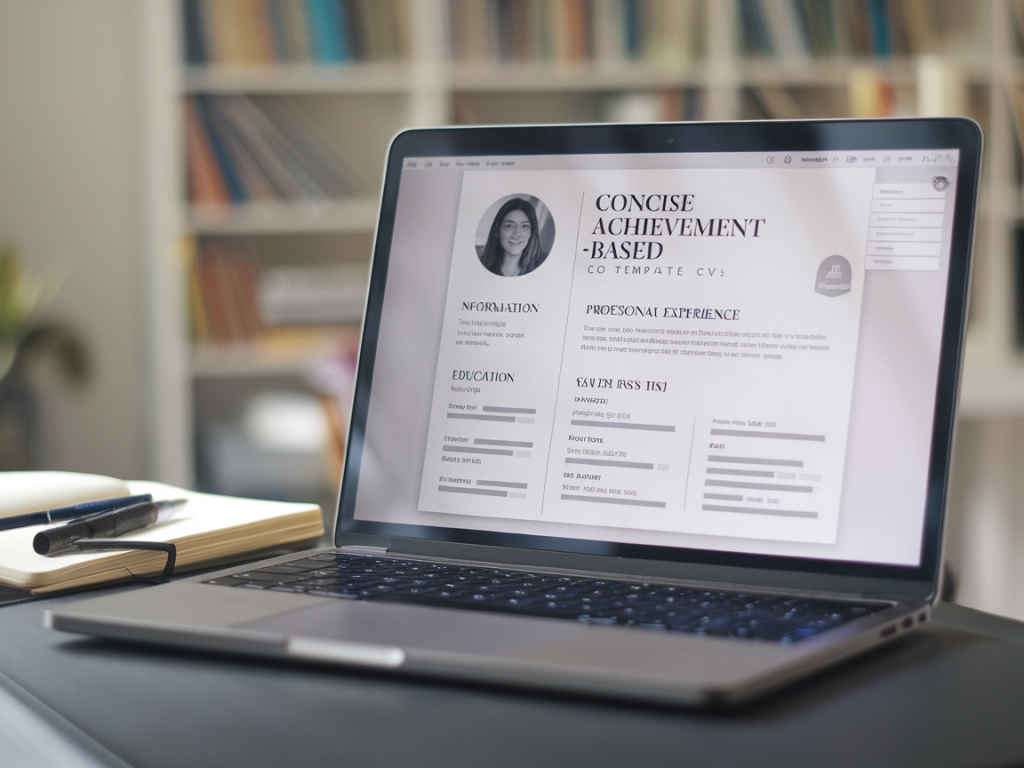
I use templates on Jobzvice Co every day with clients to turn long, task-focused CVs into concise, achievement-led documents that pass applicant tracking systems (ATS) and catch a recruiter's eye in seconds. Templates are not a shortcut — they’re a structure. When used thoughtfully, they force you to prioritise what matters and to describe impact in language employers actually search for.
Why use a template for an achievement-based CV?
Templates give you three things you rarely get from starting with a blank page: consistency, clarity and speed. They help you write to a format that hiring teams expect and ensure your achievements sit in the places that matter (profile, experience bullets, core skills). Most importantly, a good template prompts you to quantify impact — that’s the difference between “managed a team” and “led a team of 6 to reduce processing time by 30%”.
Choose the right Jobzvice Co template for your stage
On Jobzvice Co I provide templates tailored to common UK career stages and sectors. Pick one based on where you are, not what looks nicest. Examples:
If you’re switching sectors, choose a template that allows a “relevant projects” or “transferable skills” section near the top.
How I adapt a template to make every bullet achievement-based
My starting rule is: every bullet must answer one of these questions — What did you do? How did you do it? What changed as a result? I coach clients to move from activity to impact using a simple conversion process:
So the final bullet becomes: Developed monthly Tableau reports and Excel models that reduced reporting time by 40%, enabling faster strategic decisions by senior leadership.
Practical steps to fill a Jobzvice Co template (step-by-step)
Work through these steps on one role at a time. Don’t try to rewrite everything at once.
Examples: Before and after (useful to copy)
| Before | After |
|---|---|
Managed social media channels and increased engagement. | Built and executed social strategy across LinkedIn and Instagram, increasing engagement by 85% and driving a 22% uplift in inbound leads within six months. |
Responsible for onboarding new clients. | Streamlined client onboarding process, reducing time-to-first-value from 10 to 4 days and improving NPS from 62 to 76. |
Keep it concise: trimming tips I use with clients
Conciseness is not about cutting content; it’s about choosing words that do more. Here are editing habits I apply:
ATS-friendly formatting tips
Templates on Jobzvice Co are built with ATS in mind, but how you fill them matters:
How to use the profile section in the template
The profile (top of the template) should be a concise snapshot of what you offer and the value you deliver — not a biography. Keep it to 2–4 lines. I often suggest this structure:
Example: “Data analyst with 4 years’ experience in fintech. Specialises in SQL, Tableau and automating reporting workflows — recently reduced month-end close time by 35%, improving forecasting accuracy for product planning.”
Customising for different job adverts without rewriting every time
Templates make tailoring faster. My approach:
This way you can apply quickly while staying specific — recruiters see relevance in the first 10 seconds.
Common mistakes I help clients fix
When I review CVs, I see recurring issues that templates help avoid:
Quick checklist before you export your CV from the template
If you want, I can walk you through converting one role from your existing CV using a Jobzvice Co template. Share a role summary (title, employer, dates and 3–6 existing bullets) and I’ll rewrite them into achievement-based bullets you can paste straight into the template.